

| Capability | Virtual Teaching Assistant |    Other AI Other AI |
|---|---|---|
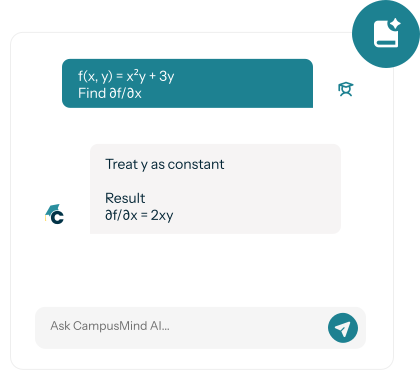
| Course-Aware Responses | Answers only from approved course materials | Pulls from public internet sources |
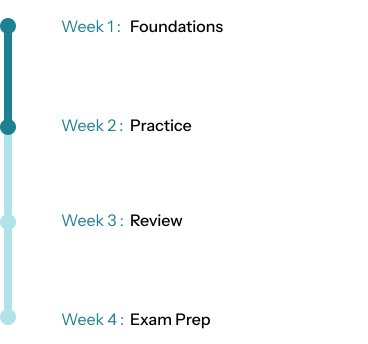
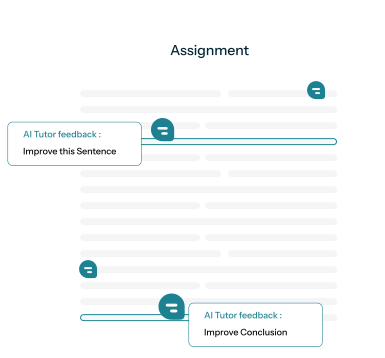
| Instructional Pacing | Responds based on what has been taught to date | Ignores course timeline and pacing |
| Faculty Control | Instructor-defined guardrails and visibility | No instructor oversight |
| LMS Integration | Native to Canvas, Blackboard, and Moodle | Separate tools outside the LMS |
| Academic Integrity | Does not answer assignments or exams | Often provides direct answers |
| Data Privacy | FERPA, HECVAT, VPAT, WCAG compliant | Proprietary information is leaked out into the wild |

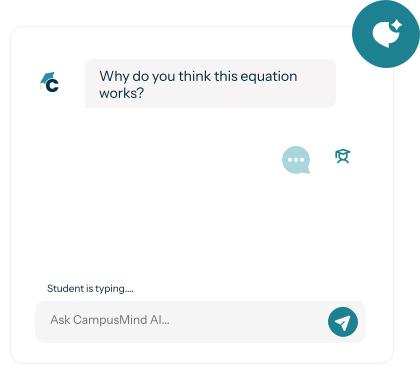
Generic AI tools are trained on internet content and often provide inaccurate or hallucinated answers. CampusMind's VTA is trained exclusively on your institution's course materials—syllabi, lecture videos, readings, and PDFs—ensuring every response aligns with your curriculum. Faculty also set guardrails preventing it from answering assignment or exam questions, maintaining academic integrity.
No. The VTA handles high-volume, repetitive questions (syllabus clarifications, due dates, foundational concept review) so human TAs and tutors can focus on complex problems, one-on-one support, and students who need deeper intervention. Think of it as expanding support capacity, not replacing human expertise.
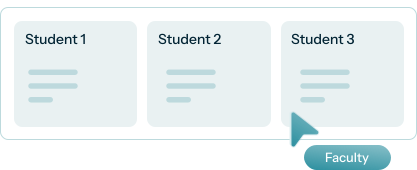
Faculty review AI-student interactions through built-in dashboards and can correct inaccuracies immediately. The VTA also includes “confidence scoring” and will direct students to instructors when it's uncertain. Over time, instructors refine training materials to improve accuracy.
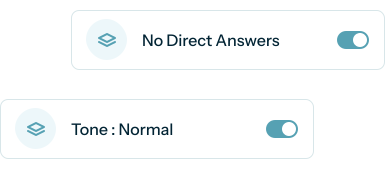
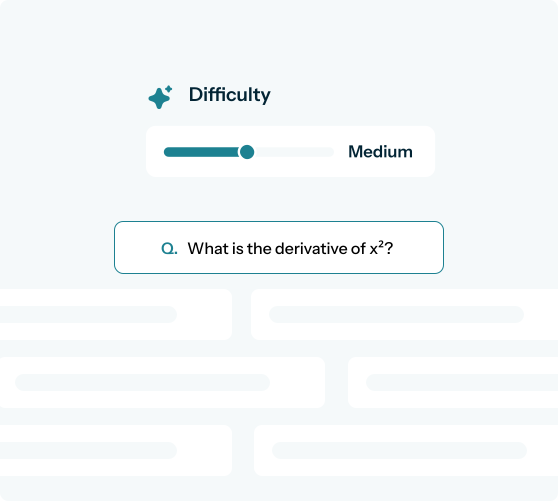
Instructors define strict guardrails preventing the VTA from answering assignment questions, providing exam solutions, or completing graded work. It focuses on concept explanation, study strategies, and administrative questions. All interactions are logged so faculty can monitor usage patterns and flag suspicious behavior.
Yes. CampusMind meets VPAT and WCAG 2.1 AA accessibility standards, ensuring compatibility with screen readers, keyboard navigation, and other assistive technologies.
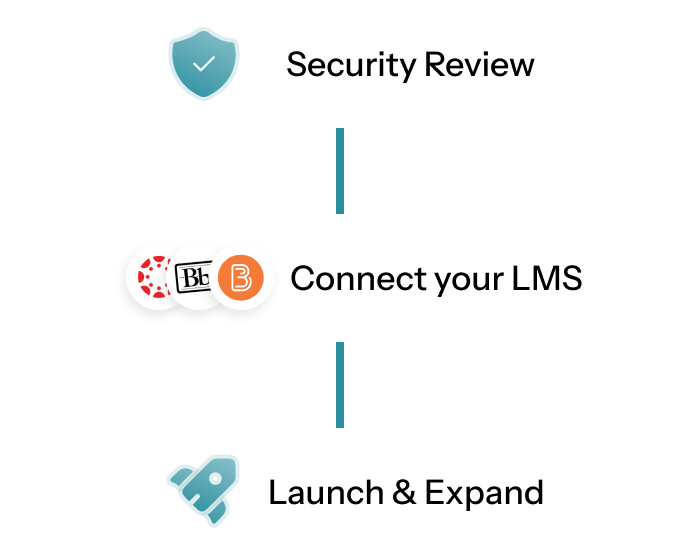
Absolutely. Most institutions start with 3-10 high-enrollment courses, gather faculty feedback and usage data, then scale based on results. Pilots typically run 6-12 weeks.
Yes. The Virtual Teaching Assistant works inside Canvas, Blackboard and Brightspace, so students ask questions right in the course and get answers from that course’s materials. Instructors set what it can and can’t do.

