
AI PDF Remediation: From Inaccessible to Compliant with AI
See how CampusMind finds every inaccessible PDF in your LMS and fixes each one where it lives. Your team reviews and approves every file.
- Live demo
- PDF maturity model
- Human review on every file
- Built on Microsoft Azure
Webinar abstract
Every PDF on campus, found and fixed where it lives
Course PDFs sit in thousands of places across Canvas, Blackboard and Brightspace, and fixing them by hand means tagging the same structures file after file. In this live session, Microsoft and CampusMind show a different way to work and about PDF Remediation
Key takeaways
- Why accessibility compliance is a student equity issue, not just a legal obligation
- How AI can automate 95% of
PDF remediationwhile keeping humans in the loop - Real-world results: hours saved, cost avoided, and compliance achieved at scale
- How CampusMind integrates directly with Canvas, Blackboard and Brightspace
- Architecture overview: how the platform is built on Microsoft Azure with enterprise-grade security
- Building a sustainable, institution-wide accessibility program without growing your team
What you’ll see in the demo
From campus scan to approved file, live
Then the same four steps keep running as faculty add and update course files.
Scan your campus
CampusMind connects directly to Canvas, Blackboard and Brightspace and finds the PDFs that need work, course by course.
Remediate in place
Files are fixed where they live. There’s nothing to upload or re-upload, and faculty don’t have to touch their courses.
Review and approve
AI does the repetitive tagging. Your team reviews and edits the output in CampusMind, then approves it. Edge cases are flagged for reviewers.
Back to the source
Approved files go straight back to the course they came from, with compliance visible across every department.
New and changed files loop back to step 01
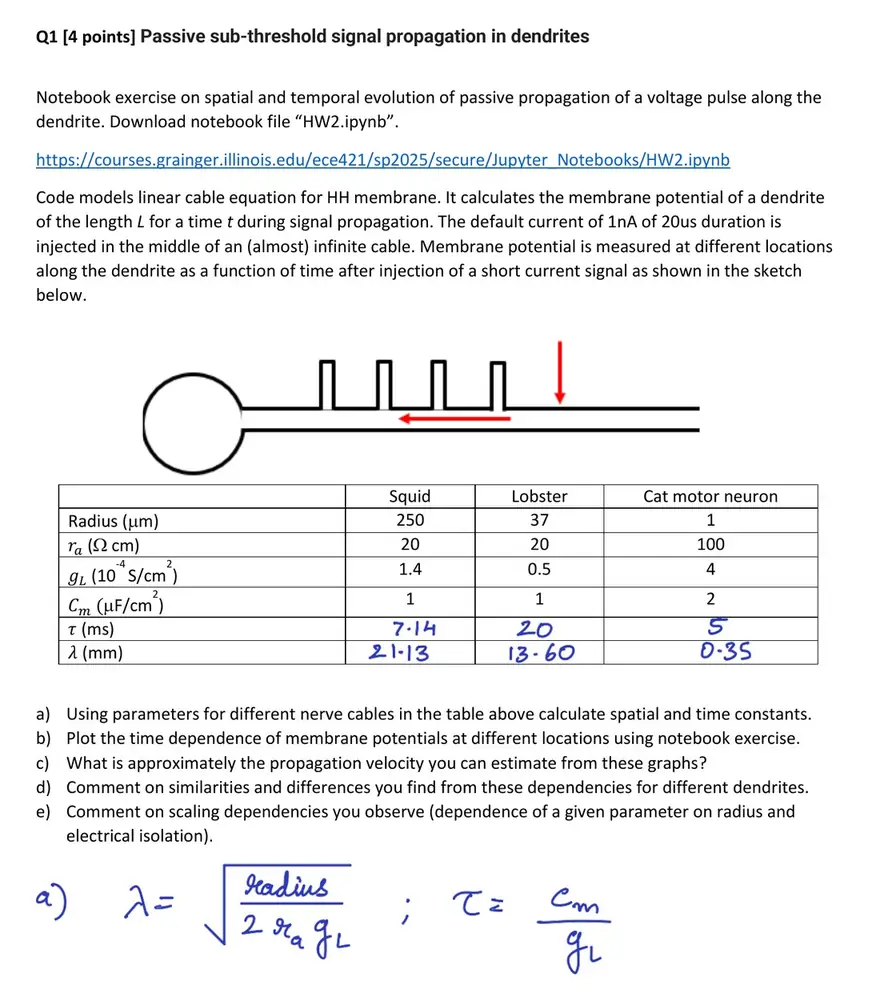
- Handwritten answers as images
- 7 images without alt text
- No document title
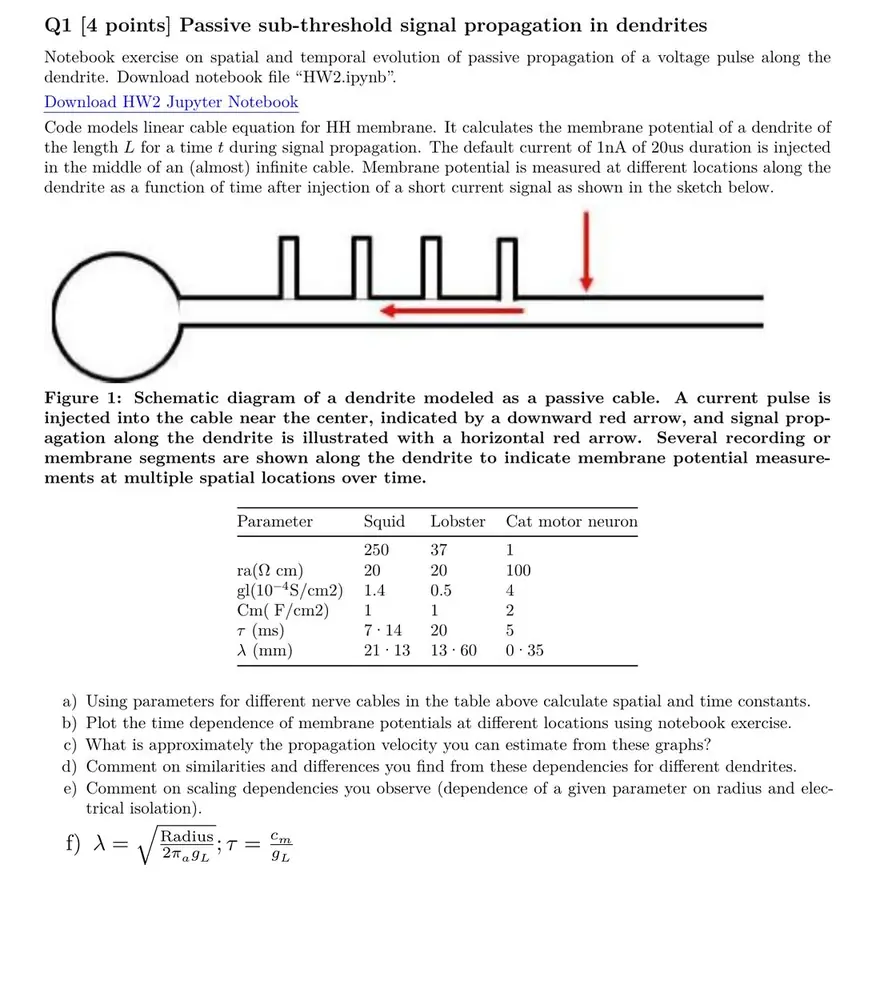
- Handwriting rebuilt as text
- Alt text and captions on every figure
- Title and math tags added
Speakers
Meet the speakers


Tracy Woods
Director, Azure Cloud and AI, US SLED
Microsoft
View LinkedIn profile ↗(opens in a new tab)
This session is part of Microsoft’s customer webinar series for education.
Reserve your place
Get every course PDF compliant, and keep it that way
Join Microsoft and CampusMind live on Wednesday, October 21 at 2:00 PM ET. Can’t make it? Register and we’ll send you the recording.