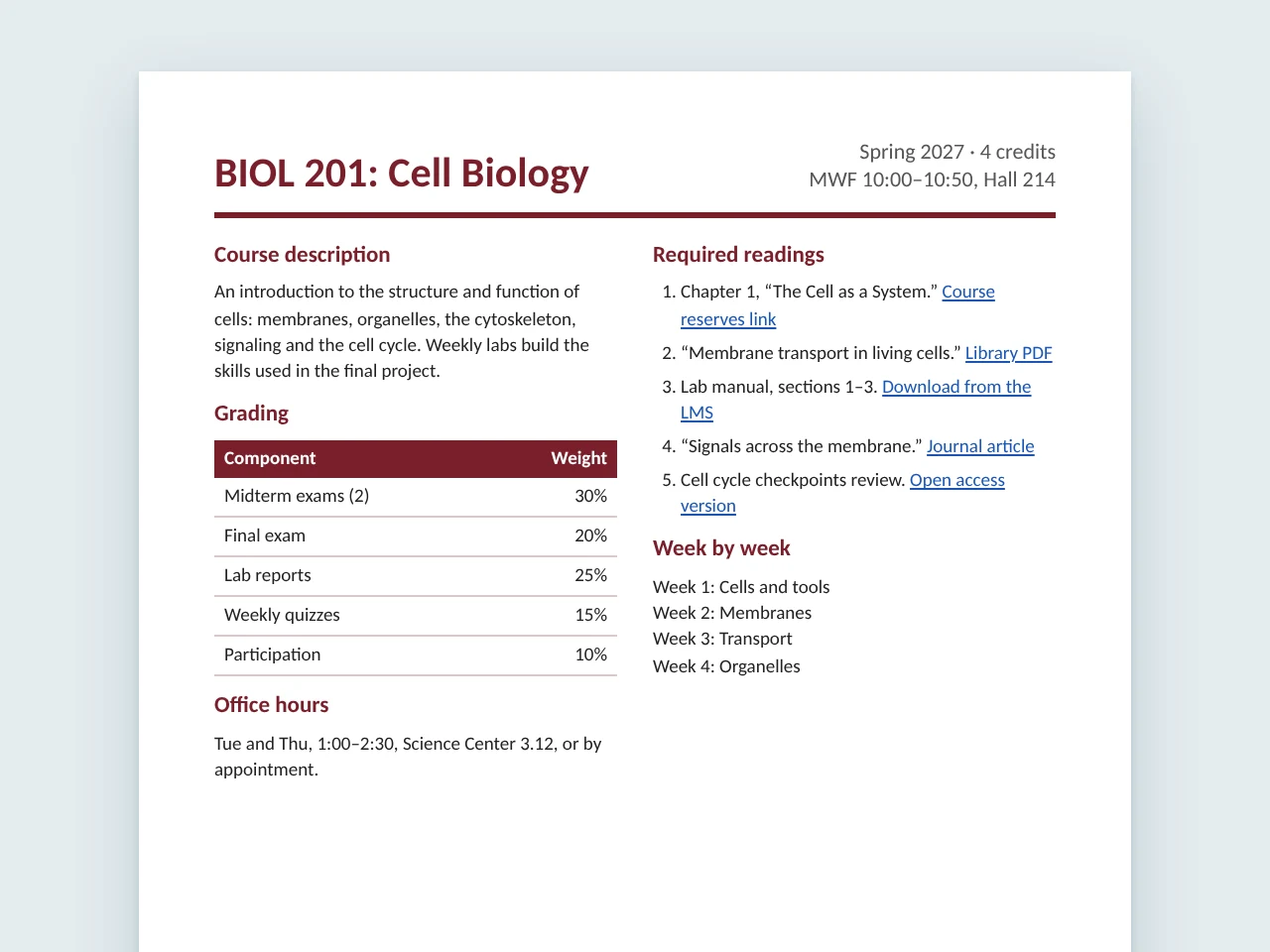
Course syllabus
Two-column layout with a grading table and a reading list full of links.

Watch the CampusMind Accessibility Agent remediate real PDFs, then see each result checked in Adobe Acrobat.
For colleges and universities, county, city and state governments, and any organization growing its accessibility work or preparing for ADA Title II.
Tuesday, Dec 1
2026
11:00 AM CT
12:00 PM ET, 9:00 AM PT
30 minutes
Online on Microsoft Teams
Free to attend, and everyone who registers gets the recording.
You’re registered
We’ll email you the Teams link and a calendar invite. If you added a PDF, we may remediate it live during the session.
01
Each document goes from upload to a file your team can review and certify, on screen from start to finish.
Ammar uploads each PDF to the Accessibility Agent. You’ll watch it add tags, set the reading order and write alt text.
Each file comes back with a record of what the agent changed and why. Your reviewer can edit any fix before approving it.
We open the remediated file in Adobe Acrobat and run its accessibility check. Then we walk through what a person still confirms before certifying the file.
02
Each one is the kind of file a college or a government office publishes all the time, picked because it is hard to get right.
Two-column layout with a grading table and a reading list full of links.
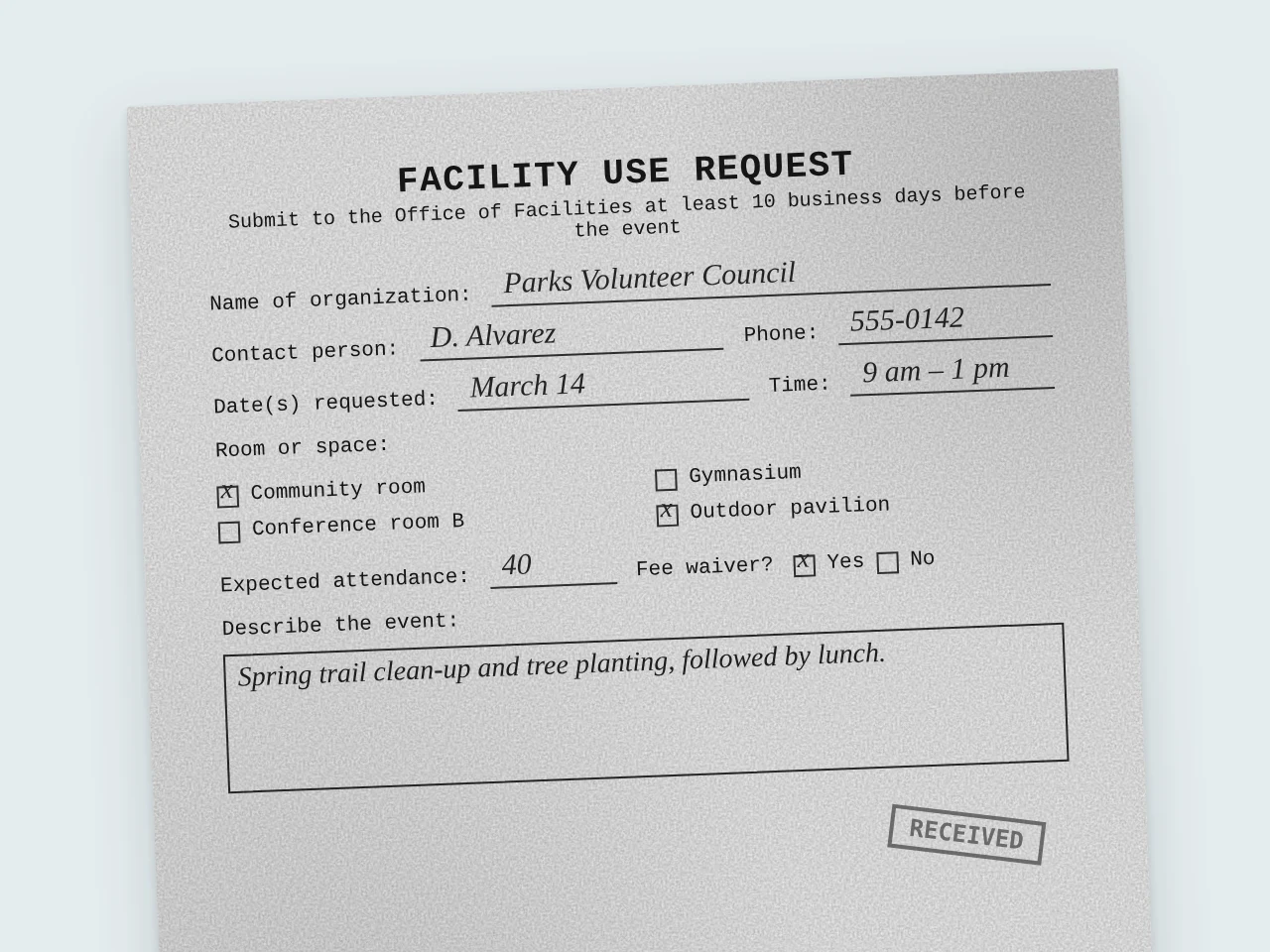
A photocopy saved as an image, so the text has to be recognized before anything can be tagged.
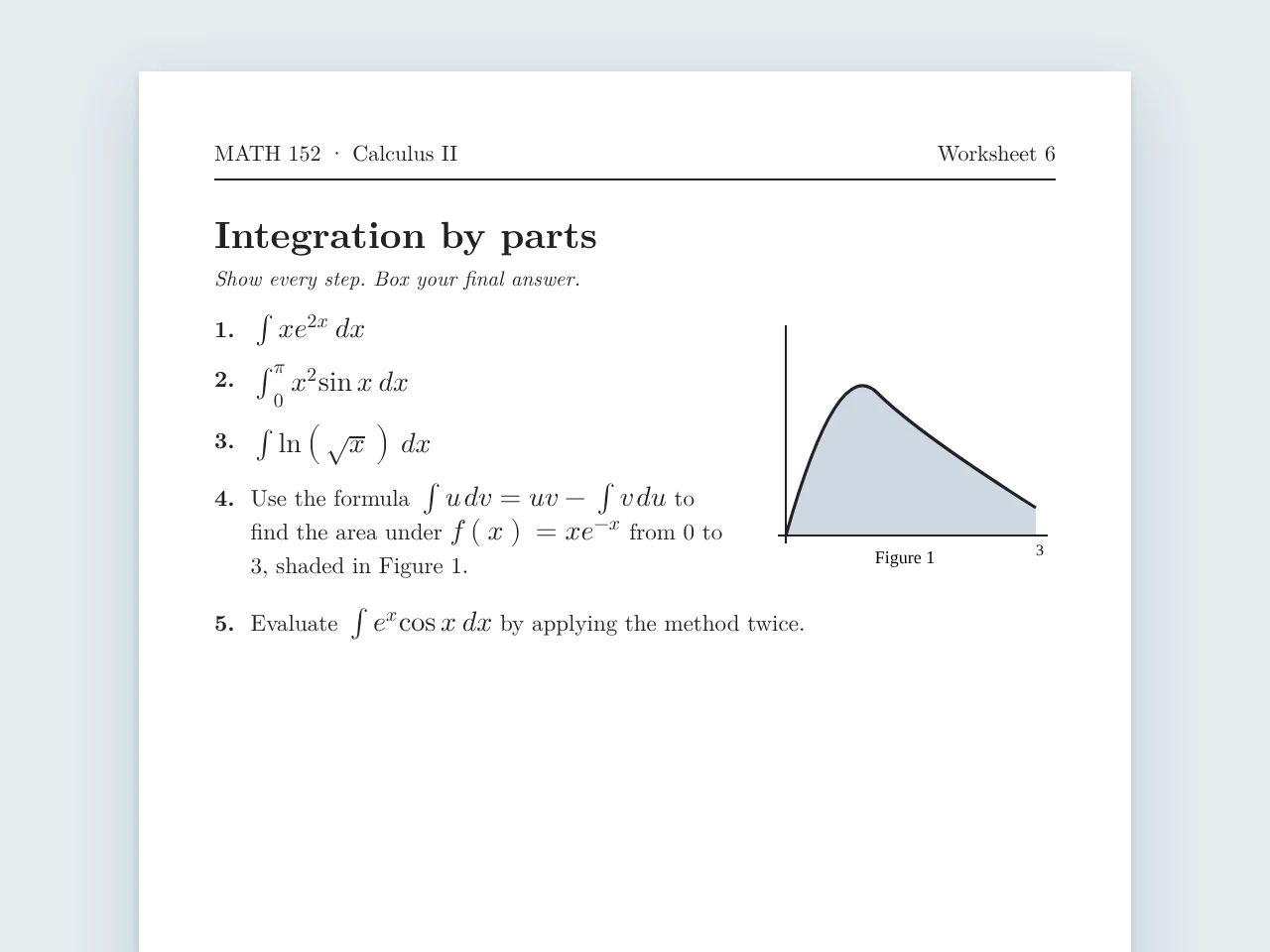
Equations and diagrams that a screen reader user needs described step by step.
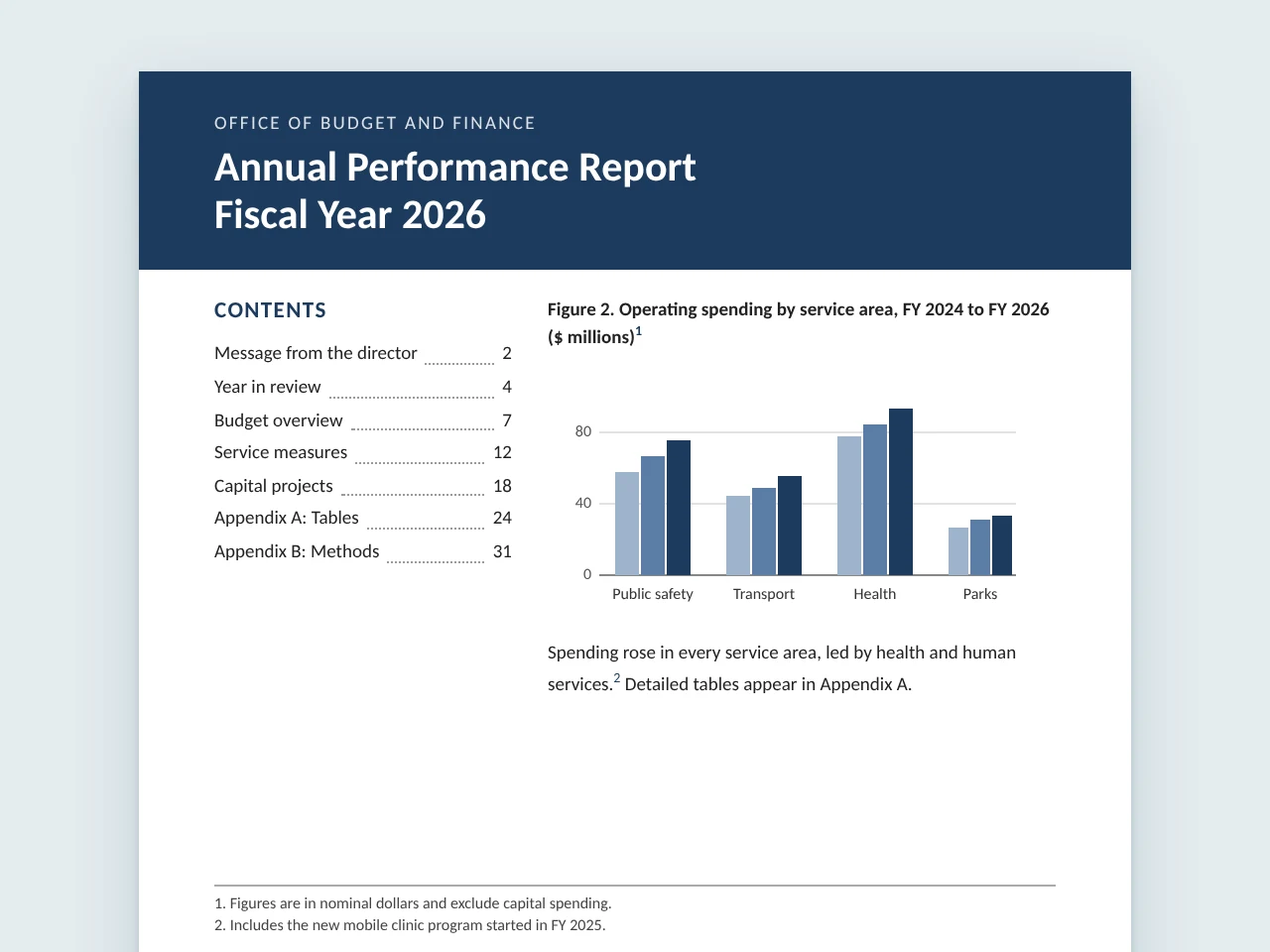
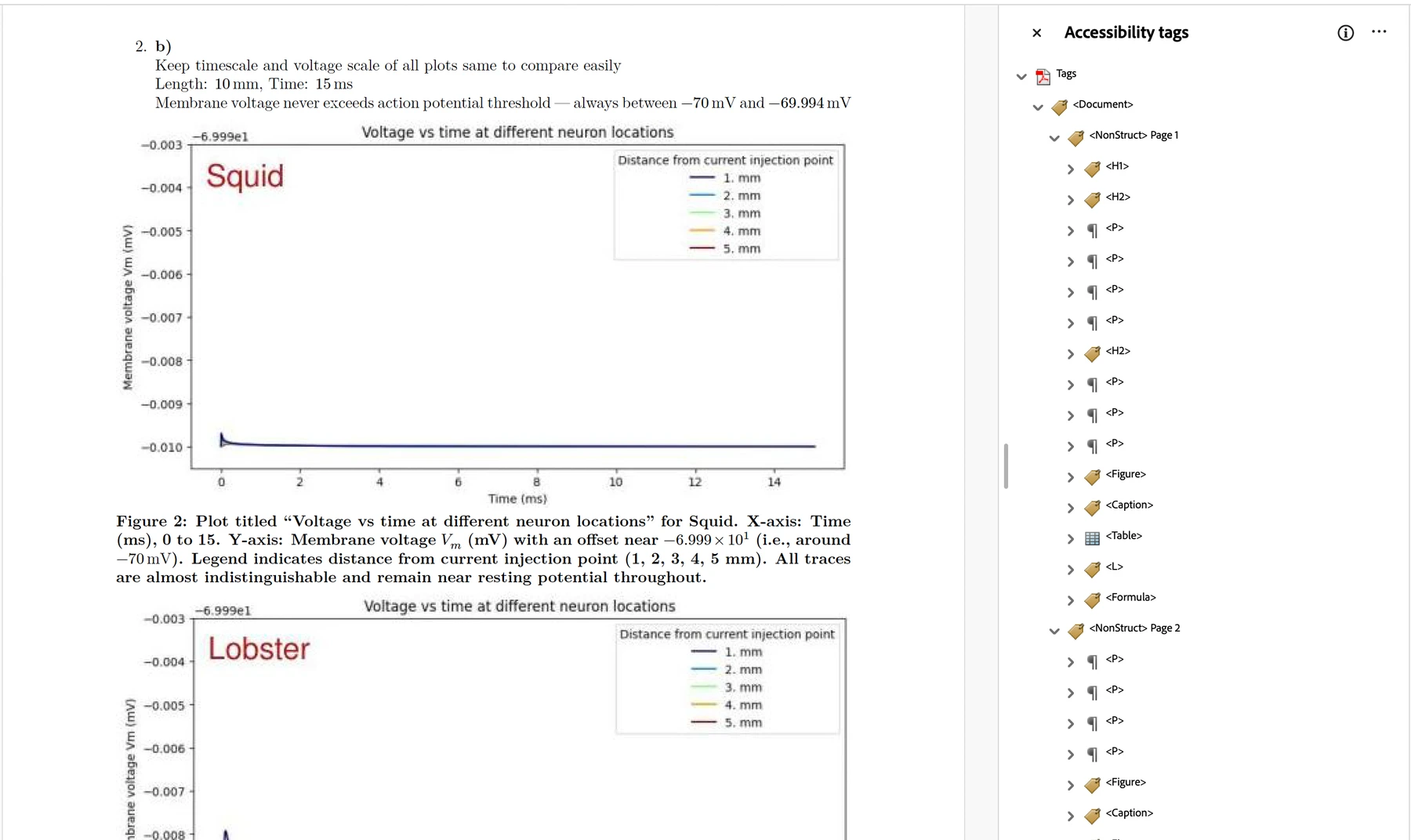
A long public report with charts, footnotes and a table of contents.
Add a PDF when you register. During the session, Ammar runs a few of the files people send in through the Accessibility Agent, so you can watch a document like yours get tagged, put in reading order and described.
A PDF from your public website works best. One file, up to 25 MB.
Register and add your PDF
8,500+
published PDFs remediated
About 70,000
pages across those PDFs
About 6 weeks
to remediate all of them
During the session, we’ll share how the county ran the project.
03
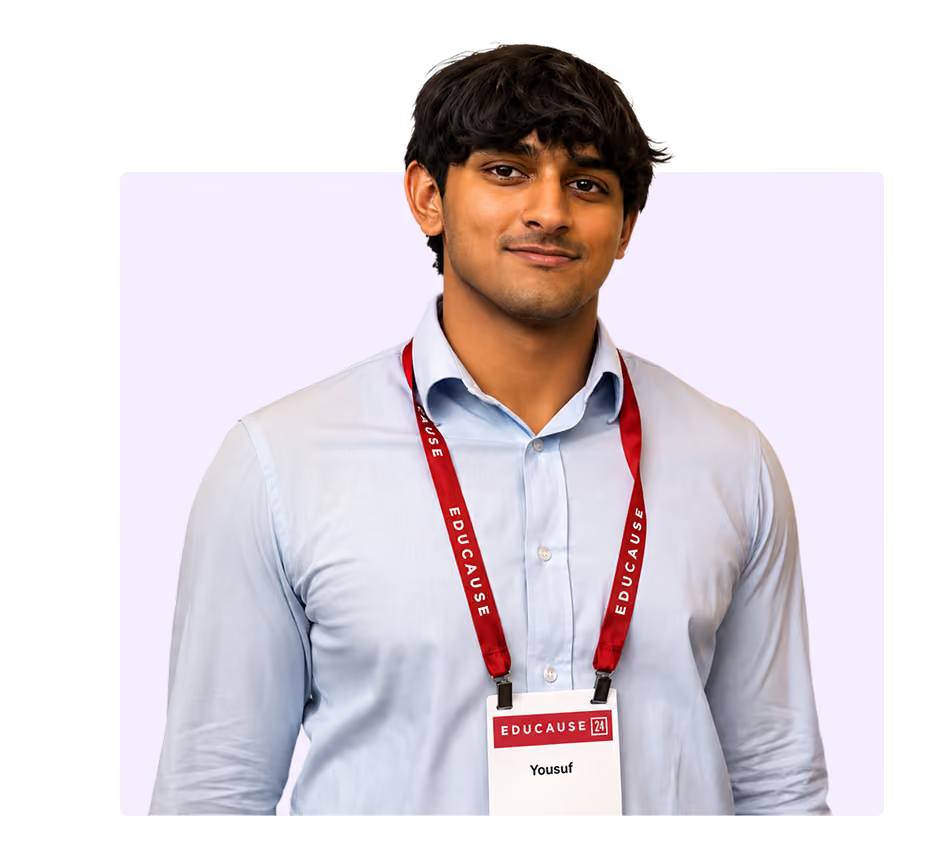
Yousuf Peshawarwala
Head of Product Strategy, hosting
CampusMind

Ammar Ali
AI Solutions Architect, running the demo
CampusMind
04
Yes. Everyone who registers gets the recording by email the day after the session, whether or not you join live.
Yes. Add it to the form when you register. A PDF from your public website works best. We’ll remediate a few of the files sent in during the session, and you can send one afterward to get it back remediated with a report of every fix.
Anyone responsible for accessible PDFs at a college, university or county, city or state government: accessibility and ADA coordinators, instructional designers, web teams and the IT leaders who approve accessibility tools. If you are preparing for ADA Title II, you’ll see how the review step works before a file is published.
Tuesday, December 1 at 11:00 AM CT, 30 minutes on Microsoft Teams.