
Campus Chat Plus · Get started

Start a free two-week trial of Campus Chat Plus

Bring one team into a shared chat with the leading AI models and your campus agents.

Sign in with Microsoft Entra ID
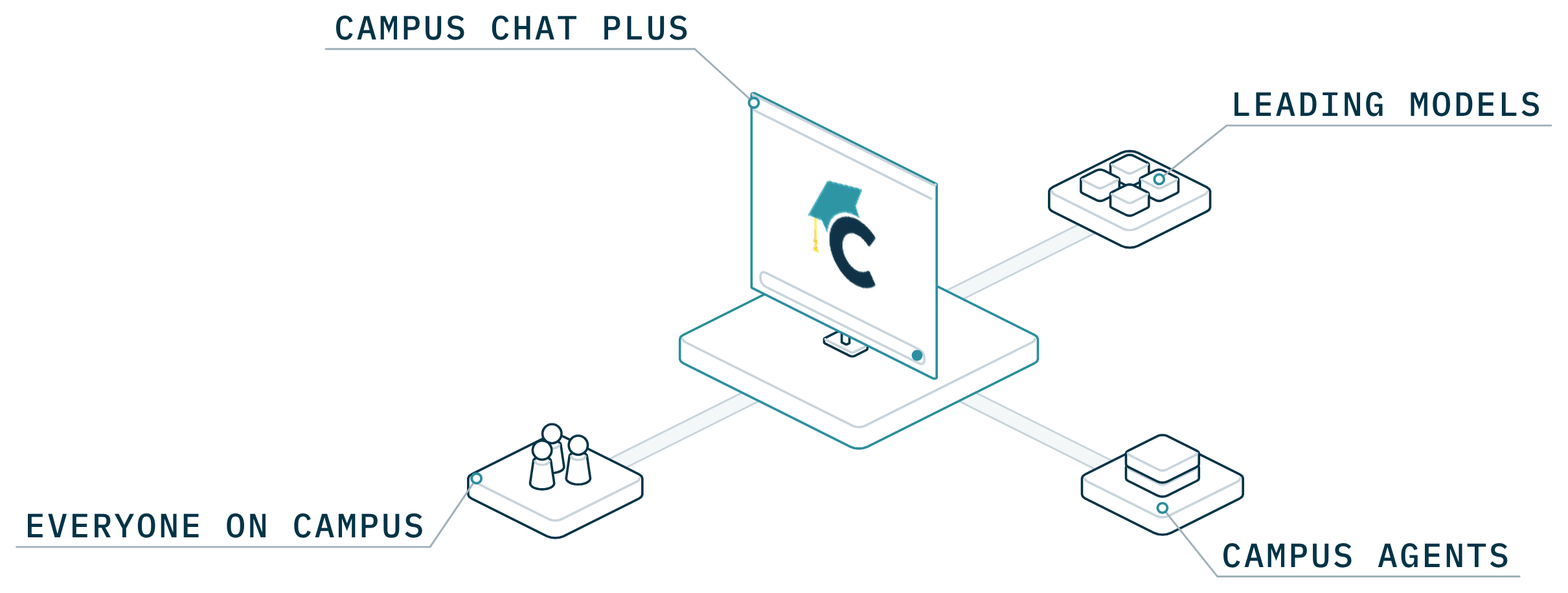
One Campus Chat Plus window with the CampusMind logo at the center: everyone on campus uses it, with the leading models and campus agents behind it.

Free two-week trial

Start your Campus Chat Plus trial

Send this form and we’ll email you a security questionnaire to fill out. Once your team sends it back, we’ll follow up to set up sign-in.

How your trial starts

  1. We email the questionnaire

    It goes to the work email above.

  2. Your team fills it out

    Bring in IT or security if you need to.

  3. We set up sign-in

    We follow up to start your two weeks.

Want to review our security first? Visit the Trust Center

Free for two weeks. The questionnaire comes to your inbox first.

Required

Trial requested

Watch your inbox for the security questionnaire.

Once your team sends it back, we’ll follow up to set up sign-in. Here’s what they can try first:

  • The leading AI models in one chat
  • Group chats with your team
  • Campus agents
Something went wrong sending the form. Check the fields above and try again.

Prefer to talk first?

Book my team’s walkthrough

A call with our team about your campus and what you want to try.

Pick a time (opens in a new tab)

What happens next

After you send it

  1. 1

    We set up your workspace

    Your team signs in with Microsoft Entra ID and starts in one shared chat.

  2. 2

    Your team uses it for two weeks

    We track who used it, which agents they called and what it cost against your limits.

  3. 3

    Review the results together

    On a call, we go through what your team found and what it would replace.